Reading is great. Tracking makes it stick. Sign up for a free Dashboard to tick off tasks and see your Security Score.
Get my free Dashboard →MalwareHigh priority
How to enable real-time virus protection on all devices
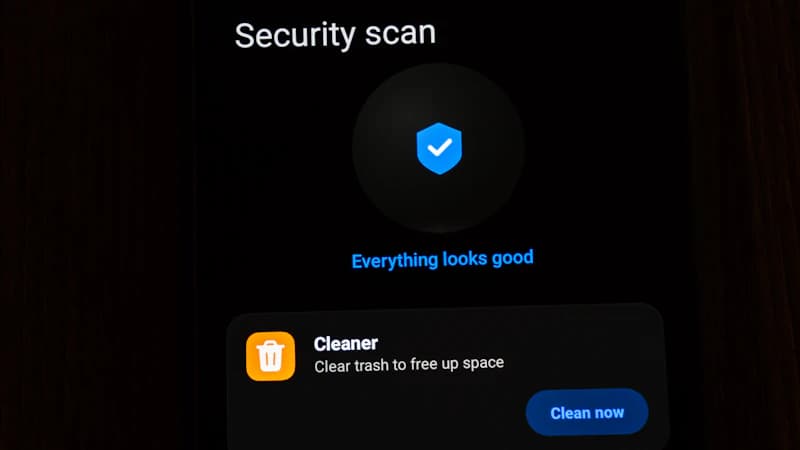
Make sure a reputable antivirus / anti-malware tool with real-time scanning is active on every computer you use.
Step-by-step guide
- Windows: Windows Security (built-in) provides good protection at no extra cost
- Search for 'Windows Security' in Start
- Click 'Virus & threat protection' — ensure real-time protection is On
- Mac: macOS has built-in XProtect. Consider Malwarebytes Free for extra scanning
- Android/iOS: keep the OS updated — this is the primary malware defence on mobile
How to confirm it worked
- The setting is saved and active on your device
- You have tested it works before closing the page
Tick this task off in your Dashboard to update your Security Score.
Why this matters
Real-time protection catches and quarantines malware before it can do damage — including ransomware that would otherwise encrypt all your files.
Need more context?
For background on this task — including common questions and answers — see the full guide.
Read the full guide →Related security tasks
Track your security score for free
Create a free Cyber Nova AI account to tick off tasks like this one, see your Security Score, and stay on top of what you've done and what's still to do.
Start your free security check